Botany Dictionary & Quiz
Publisher Description


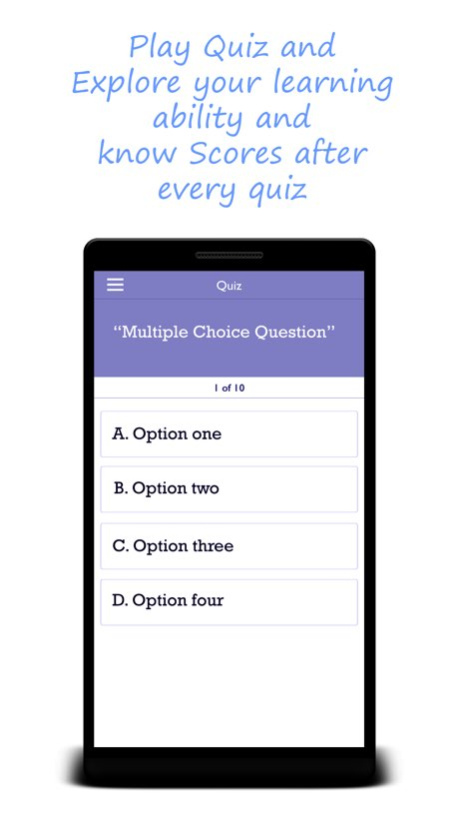
Botany Dictionary & Quiz : Botany is the scientific study of plants. "Plants," to most people, means a wide range of living organisms from the smallest bacteria to the largest living things - the giant sequoia trees. By this definition plants include: algae, fungi, lichens, mosses, ferns, conifers and flowering plants. Today scientists believe bacteria, algae and fungi are in their own distinct kingdoms, but most general botany courses, and most Botany Departments at colleges and universities, still teach about these groups
It contain all the word related to plant science botany has included the study of fungi and algae.This dictionary related to plant biology. Each word contain with their description.Search option is also available .It is user friendly kind of dictionary.
About Botany Dictionary & Quiz
The company that develops Botany Dictionary & Quiz is pradeep sharma. The latest version released by its developer is 1.0 .
To install Botany Dictionary & Quiz on your iOS device, just click the green Continue To App button above to start the installation process. The app is listed on our website since 2026-05-09 and was downloaded 0 times. We have already checked if the download link is safe, however for your own protection we recommend that you scan the downloaded app with your antivirus. Your antivirus may detect the Botany Dictionary & Quiz as malware if the download link is broken.
How to install Botany Dictionary & Quiz on your iOS device:
- Click on the Continue To App button on our website. This will redirect you to the App Store.
- Once the Botany Dictionary & Quiz is shown in the iTunes listing of your iOS device, you can start its download and installation. Tap on the GET button to the right of the app to start downloading it.
- If you are not logged-in the iOS appstore app, you'll be prompted for your your Apple ID and/or password.
- After Botany Dictionary & Quiz is downloaded, you'll see an INSTALL button to the right. Tap on it to start the actual installation of the iOS app.
- Once installation is finished you can tap on the OPEN button to start it. Its icon will also be added to your device home screen.
